
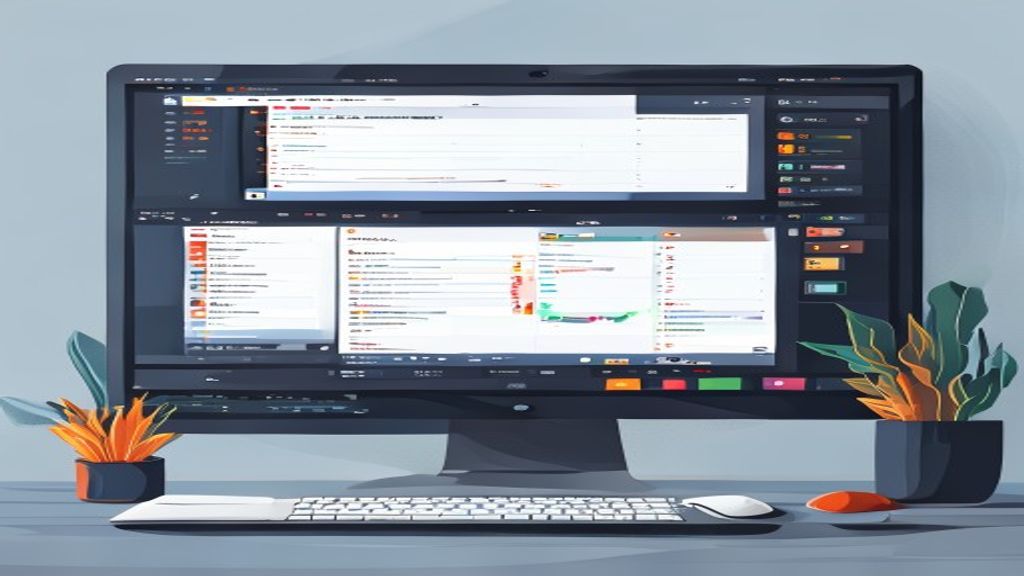
Introduction to OpenShot
OpenShot is a free and open-source video editor that has gained popularity among content creators, educators, and hobbyists thanks to its simple interface and powerful set of tools.
Main Features
- Support for multiple video, audio, and image tracks.
- Predefined transitions and effects, plus the ability to create custom effects using keyframes.
- Integration with Blender for 3D animations and advanced titles.
- Compatibility with a wide range of input and output formats thanks to FFmpeg.
- Real-time preview and hardware-accelerated rendering when available.
Installation and Requirements
OpenShot is available for Windows, macOS, and Linux. On Windows and macOS, simply download the installer from the official site and follow the wizard. On the most popular Linux distributions, it can be installed via package managers:
- Ubuntu/Debian:
sudo apt install openshot-qt - Fedora:
sudo dnf install openshot-qt - Arch Linux:
sudo pacman -S openshot-qt
The minimum requirements are modest: a dual-core processor, 4 GB of RAM, and a graphics card compatible with OpenGL 2.0.
Basic Workflow
- Create a new project and adjust resolution, frame rate, and color space.
- Import video, audio, and image files via the project panel or by dragging them directly onto the timeline.
- Arrange clips on the desired tracks, trim them with the cut tool, and adjust their duration.
- Add transitions between clips by dragging effects from the transitions library.
- Apply color, speed, or distortion effects using keyframe controls to animate parameters over time.
- Insert titles and subtitles using the built-in title editor or by importing designs created in Blender.
- Perform a full preview and, when satisfied, export the video choosing the appropriate format and codec.
Advanced Tips
- Use low-resolution proxies to edit 4K or higher material without losing smoothness.
- Take advantage of adjustment layers to apply color correction to multiple clips simultaneously.
- Save projects as templates to reuse title, transition, and effect structures in future work.
- Explore the OpenShot community on GitHub to find add-ons and scripts that extend its functionality.
- Keep FFmpeg and open-source libraries up to date to ensure the best format compatibility.
Advantages and Limitations
Advantages:
- No cost and GPL-licensed, allowing free modification and redistribution.
- User-friendly interface that reduces the learning curve for beginners.
- Frequent updates and active community support.
- Integration with professional tools like Blender and FFmpeg.
Limitations:
- Performance may decrease on very complex projects without adequate hardware.
- Some advanced effects require knowledge of keyframes and may not be as intuitive as in paid suites.
- The library of titles and transitions, while sufficient, is less extensive than that of premium commercial applications.
Conclusion
OpenShot represents a solid option for anyone seeking a capable, free, cross-platform video editor. Its combination of ease of use, powerful features, and community support makes it a valid tool for both home projects and semi‑professional productions. If you are taking your first steps in video editing or need a free alternative to proprietary software, it’s worth downloading OpenShot and exploring everything it offers.
This post is also available in ESPAÑOL.