
Introduction
LibreCAD is an open-source computer-aided design (CAD) application focused on two-dimensional technical drawing. Available for Windows, macOS, and Linux, it offers a familiar interface for those coming from AutoCAD and other commercial tools, but without licensing cost. In this article we will explore its most notable features, the advantages it offers to students, hobbyists, and professionals, and how to start using it effectively.
What is LibreCAD?
LibreCAD originated as a fork of QCAD Community Edition and has evolved thanks to an active community of developers and users. Its main goal is to provide a complete 2D drawing environment, capable of handling layers, blocks, dimensions, and standard file formats such as DXF and DWG (via plugins). Being completely free and open-source, anyone can inspect, modify, and redistribute the software under the GPL v2 license.
Main Features
- Customizable toolbar interface and contextual menus.
- Support for multiple coordinate systems and units (metric, imperial).
- Complete set of drawing tools: lines, arcs, circles, polygons, splines, and text.
- Advanced editing functions: offset, mirror, rotation, scale, and array.
- Layer management with color, line type, and visibility control.
- Blocks and external references for reusing components.
- Dimensioning and tolerancing according to ISO, ANSI, and other standards.
- Import and export of DXF, DWG (via Teigha), SVG, and PDF.
- Printing and plotting with scale and sheet settings.
Advantages Over Other CAD Tools
One of LibreCAD’s biggest advantages is its zero cost, which eliminates the economic barrier for students and small businesses. Being cross-platform, users can work on the same file from different operating systems without compatibility issues. Moreover, the open-source nature ensures transparency and allows the community to quickly fix bugs and add functionality via plugins or scripts.
Compared to proprietary programs, LibreCAD may lack some advanced 3D modeling or finite element analysis modules, but for purely 2D projects it offers solid performance and a gentle learning curve, especially if you already have experience with AutoCAD or DraftSight.
Installation and First Steps
To install LibreCAD, simply visit the official website librecad.org and download the installer for your operating system. On Linux, most distributions include it in their repositories (e.g., sudo apt install librecad on Ubuntu). After installation, launching the program shows a welcome screen where you can create a new drawing or open an existing one.
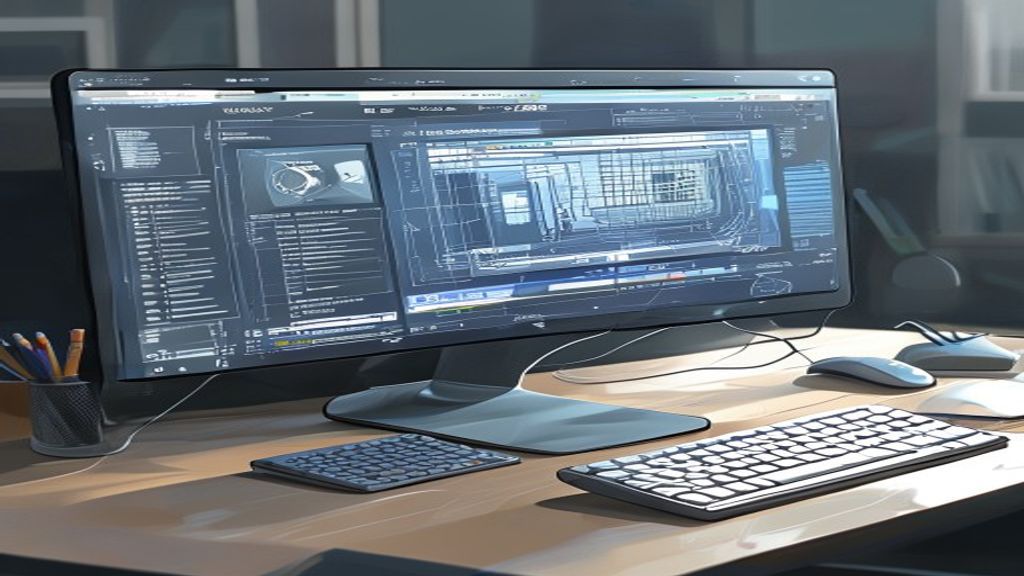
The workspace consists of a top menu bar, a dockable toolbar that can be dragged to any side of the window, and a drawing area with an adjustable grid. It is recommended to start by setting the units and drawing scale in the Settings → Draw → Units menu. From there, you can enable the grid view, adjust spacing, and define the sheet limits.
Community and Learning Resources
LibreCAD features an active forum, a detailed wiki, and numerous video tutorials available on platforms like YouTube. The project also maintains a repository of free examples and blocks that users can download and integrate into their own designs. Participating in the community not only helps resolve doubts, but also allows contributing improvements, translations, or bug reports.
- Official forum: forum.librecad.org
- Wiki and documentation: wiki.librecad.org
- YouTube channel: LibreCAD Official
- Blocks repository on GitHub:
github.com/LibreCAD
Conclusion
LibreCAD positions itself as a viable and powerful alternative for anyone needing to create 2D designs without incurring licensing costs. Its compatibility with standard formats, intuitive interface, and backing from a global community make it an attractive option for students, hobbyists, and professionals seeking freedom and flexibility in their design workflow. If you haven’t tried it yet, we invite you to download it and explore all the possibilities this open-source software offers.
This post is also available in ESPAÑOL.