
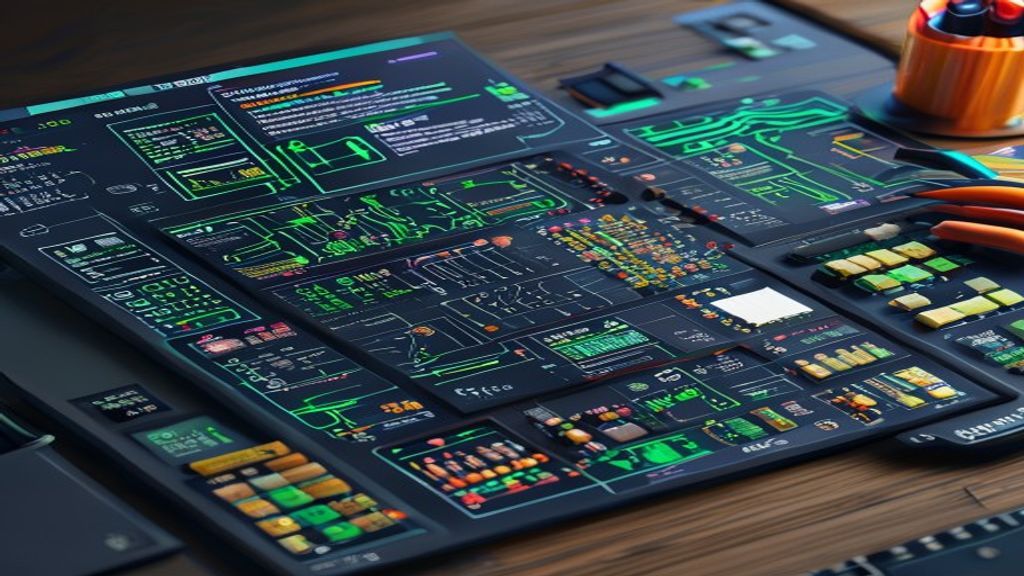
Introduction to Fritzing
Fritzing is an open‑source application designed to help designers, students, and electronics enthusiasts create schematics, breadboard layouts, and printed circuit boards intuitively. Its drag‑and‑drop interface and component library make the process of turning an idea into a physical prototype much faster and more accessible.
Project History and Philosophy
Initiated in 2007 by researchers at the University of Applied Sciences Potsdam, Fritzing was created with the goal of bridging the gap between physical prototyping and circuit documentation. Since then it has grown thanks to a global community that contributes new parts, tutorials, and improvements to the source code.
Main Features
- Breadboard view for placing components as you would on a test board.
- Schematic view that generates readable diagrams following standard conventions.
- PCB view that allows designing copper traces and generating Gerber files ready for fabrication.
- Extensible component library with thousands of parts contributed by the community.
- Export to formats such as SVG, PNG, PDF, and fabrication files.
How the Breadboard View Works
In this view, the user drags components from the library and places them onto a graphical representation of a breadboard. Connectors automatically join when the pins are aligned, which reduces wiring errors and allows you to quickly visualize the physical layout of the circuit.
Schematic and Documentation
The schematic view transforms the breadboard layout into a clear electrical diagram. Fritzing follows IEC and ANSI symbol conventions, making it easy for other engineers to read. Additionally, you can add labels, values, and notes directly to the schematic.
PCB Design
Once the schematic is complete, the PCB view allows you to define layers, route traces, and adjust trace width according to current requirements. Fritzing includes a basic design‑rule‑checking (DRC) tool that helps detect short circuits and traces that are too close before exporting the Gerber files.
Component Library and Contributions
The core library includes microcontrollers, sensors, actuators, and the most common passive components. Users can create their own parts using the parts editor, save them in .fzpz format, and share them in the official repository, enriching the ecosystem for everyone.
Export and Fabrication
Fritzing allows you to export the design to several formats: SVG or PNG images for documentation, PDF for manuals, and Gerber, drill, and component‑placement files for sending to PCB fab houses. This flexibility makes the workflow suitable for both desktop prototyping and small‑scale production.
Community and Learning Resources
The Fritzing website hosts step‑by‑step tutorials, videos, and a forum where users can ask questions and share projects. Moreover, there are numerous books and online courses that use Fritzing as the primary tool for teaching practical electronics and embedded‑systems design.
Advantages of Using Fritzing
- User‑friendly interface that reduces the learning curve.
- Free and open‑source software.
- Seamless integration between breadboard, schematic, and PCB.
- Large component library and the ability to create custom parts.
- Suitable for education, hobby, and low‑volume professional prototyping.
Limitations to Consider
- The DRC tool is less advanced than those in professional suites such as Altium or KiCad.
- For high‑frequency or high‑density designs it may be insufficient.
- Some specialized components may be missing from the official library and require manual creation.
Conclusion
Fritzing positions itself as an accessible and powerful solution for
This post is also available in ESPAÑOL.