
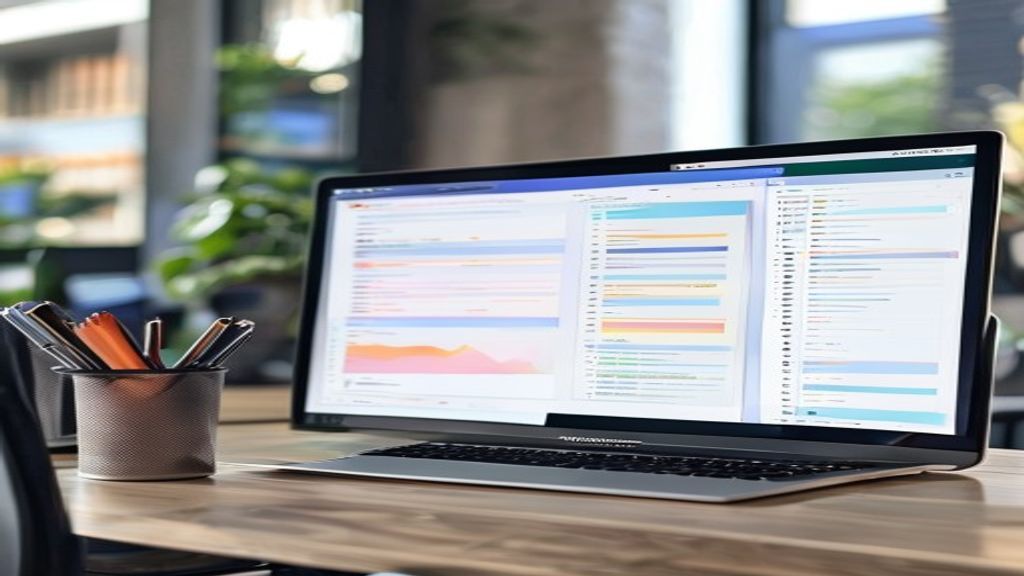
Introduction to SoftMaker Office
SoftMaker Office is an office suite developed by the German company SoftMaker that has gained popularity as a solid and economical alternative to Microsoft Office. Available for Windows, macOS, and Linux, it offers full compatibility with DOCX, XLSX, and PPTX formats, allowing you to open, edit, and save files without losing formatting. This feature is essential for users working in mixed environments who need to exchange documents with colleagues using other suites. Moreover, its interface is intuitive and adapts to both beginner users and professionals seeking advanced tools without the steep learning curve of other options.
TextMaker: the word processor
TextMaker is the word processing component of SoftMaker Office and stands out for its rich feature set and smooth performance. It includes paragraph and character styles, automatic heading numbering, footnotes and endnotes, as well as dynamic fields that update automatically. Users can create indexes, tables of contents, and bibliographies with just a few clicks. Moreover, TextMaker supports the insertion of objects such as tables, text boxes, images, and vector graphics, making it easy to create academic reports, legal documents, and marketing material. Draft view and print view allow comfortable work according to the task.
PlanMaker: advanced spreadsheet
PlanMaker provides a powerful spreadsheet capable of handling large volumes of data without slowing down the system. It offers more than 400 built-in functions, including financial, statistical, engineering, and date and time functions. Pivot tables and interactive charts enable trend analysis and visual presentation of results. PlanMaker also supports array formulas and dynamic arrays, facilitating complex calculations. Data validation, conditional formatting, and error‑checking tools help maintain accuracy in financial models and management reports. Compatibility with BASIC macros allows automation of repetitive tasks and creation of custom applications within the sheet.
Presentations: creating impactful slides
The presentation tool in SoftMaker Office allows you to design attractive and professional slides with great ease. It includes a wide range of templates, color themes, and design variants that can be applied with a single click. Users can add smooth transitions, custom animations, and entrance and exit effects to keep the audience’s attention. Presentations supports the insertion of audio and video files, as well as the incorporation of SmartArt objects and charts directly from PlanMaker. The presentation mode offers laser pointer tools, presenter notes, and a preview of the next slide, features that make delivering talks and seminars more effective and secure.
Compatibility and file exchange
One of the pillars of SoftMaker Office is its high compatibility with Microsoft Office formats. Files created in TextMaker, PlanMaker, and Presentations can be saved directly to DOCX, XLSX, and PPTX without loss of formatting, eliminating concerns about incompatibility when collaborating with users of other suites. Likewise, the suite allows exporting to PDF/A, XPS, and other standard formats, facilitating archiving and distribution of final documents. The document comparison feature visually shows differences between versions, useful in legal or academic review processes.
Competitive advantages
SoftMaker Office stands out due to several advantages that make it attractive compared to the competition:
- Affordable cost: perpetual licenses at a price significantly lower than the annual subscriptions of Microsoft 365.
- Low resource consumption: it runs smoothly on older machines or modest specifications, ideal for environments with hardware limitations.
- Regular updates: the company releases compatibility improvements and new features without requiring a continuous subscription, keeping the suite up to date.
Pricing and licensing options
SoftMaker Office is offered in different editions to suit various needs and budgets. The Standard edition includes TextMaker, PlanMaker, and Presentations and is available as a perpetual license or as an annual subscription that is more economical than that of its competitors. The Professional edition adds additional tools such as the database manager and the advanced file converter. Special discounts are available for students, educators, and non‑profit organizations, broadening its accessibility. Moreover, multi‑license packages can be purchased for companies that wish to standardize their work environment without incurring high costs.
Conclusion
In summary, SoftMaker Office represents a highly competitive option for anyone seeking a complete office suite that is compatible with industry standards and priced reasonably. Its ease of use, low resource consumption, and flexible licensing options make it an attractive alternative for both home users and professional environments. If you value independence from costly subscriptions and desire reliable performance, SoftMaker Office deserves serious consideration as your next productivity suite.
This post is also available in ESPAÑOL.