
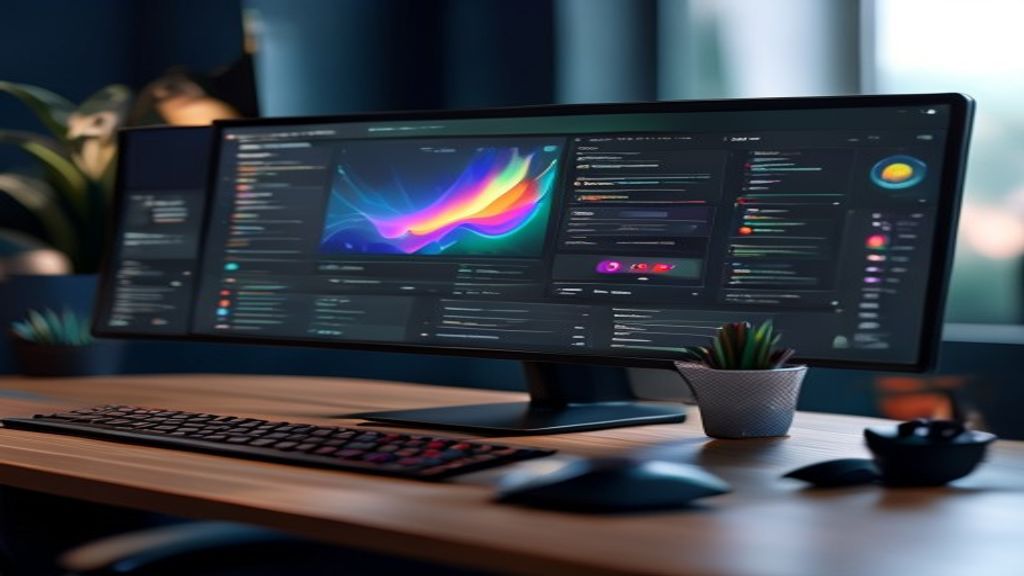
What is Deepin Pro?
Deepin Pro is the professional‑use edition of the Deepin distribution, known for its Deepin Desktop Environment (DDE) and its focus on aesthetics and usability. This variant retains the visual beauty that characterizes Deepin, but incorporates additional packages and configurations that facilitate the work of developers, graphic designers, video editors, and system administrators. It is based on stable Debian, which guarantees compatibility with a wide range of software and a solid security foundation.
Key Features
- DDE desktop environment optimized for productivity, with customizable panels and advanced keyboard shortcuts.
- Additional repositories that include recent versions of tools such as Docker, Kubernetes, Node.js, Python, and integrated development environments (IDEs) like Visual Studio Code and JetBrains Toolbox.
- Preinstalled multimedia creation tools such as Krita, GIMP, Inkscape, and Blender, ready to use without additional configuration.
- Enhanced package manager that combines apt with snap and flatpak, allowing easy and safe installation of applications.
- Kernel performance improvements, with tuning options for heavy workloads and support for latest‑generation hardware.
- Power profiles and display settings tailored for designers who require color precision and calibration.
Installation and Initial Configuration
The installation process for Deepin Pro follows the same graphical installer as the standard edition, but includes an option to select the “Professional” profile during partitioning. This profile creates separate partitions for /home, /var, and /opt, facilitating backups and data management. After installation, the welcome wizard offers the possibility to enable additional security layers, such as LUKS encryption and configuration of an nftables‑based firewall.
Development Environment
For developers, Deepin Pro provides a ready‑to‑use set of tools. The package manager allows quick installation of LTS versions of Java, .NET, Go, and Rust. It also includes pre‑configured Docker containers and a test environment with Podman. Users can access an integrated terminal with support for zsh and oh‑my‑zsh, and enjoy Git integration via extensions in the file manager.
Design and Content Creation
Designers will benefit from the color precision offered by the built‑in color manager, which is compatible with ICC profiles and hardware calibrators. Vector and raster graphics applications come with plugins that leverage GPU acceleration via Vulkan and OpenGL. Moreover, the desktop includes a presentation mode that hides notifications and optimizes performance when working with video timelines in Blender or DaVinci Resolve.
System Administration and Security
System administrators will appreciate the inclusion of tools such as Cockpit for web management, SELinux in permissive mode by default (with the option to enable enforcing), and a set of automation scripts based on Ansible. Centralized logging via journalctl is complemented by a graphical interface that makes it easy to view logs and configure alerts.
Community and Support
Deepin Pro benefits from an active community that contributes to the development of themes, extensions, and improvements to the DDE. Users can access official forums, Discord channels, and a detailed wiki that covers everything from basic installation to optimization for specific workloads. Moreover, the Deepin team provides monthly security updates and LTS releases every two years, ensuring a long life cycle for productive environments.
Conclusion
Deepin Pro positions itself as an attractive alternative for those seeking a Linux operating system that combines visual beauty with professional power. Its focus on usability, the availability of development and creation tools, and its stable Debian base make it a viable option for freelancers, creative studios, and IT departments looking to reduce reliance on proprietary solutions without sacrificing performance or aesthetics.
This post is also available in ESPAÑOL.