Learn how to use dig to perform detailed DNS queries, from basic records to advanced options such as tracing and JSON-formatted output.
Read More

Learn how to use dig to perform detailed DNS queries, from basic records to advanced options such as tracing and JSON-formatted output.
Read More
Discover how to use netcat, the versatile tool for testing, transfers, and debugging of networks on Linux systems.
Read More
Learn how to use the ftp command in Linux to transfer files in a classic way, with practical examples and security tips.
Read More
Learn how to use rsync to copy and synchronize files quickly and securely on Linux systems.
Read More
Learn how to use the sftp command in Linux to transfer files securely using SSH encryption, with practical examples and best practices.
Read More
Learn how to use the scp command to securely transfer files between systems via SSH, with syntax, options, and practical examples.
Read More
Learn how to use wget to download files from the Linux terminal with practical examples and useful options.
Read More
Learn how to use curl to transfer data from URLs in Linux, from simple downloads to sending data with authentication and advanced options.
Read More
Learn how to use nmap to scan ports, identify services, and assess the security of your networks on Linux.
Read More
Learn how to use iwconfig to configure and manage your WiFi interfaces in Linux quickly and effectively.
Read More
Learn to use the ip command to configure interfaces, routes, and advanced networking features in Linux.
Read More
Learn how to use the ifconfig command to view, enable, disable, and configure IP addresses on the network interfaces of a Linux system.
Read More
Discover how ss replaces netstat with more speed and advanced features for monitoring connections and sockets in Linux.
Read More
Learn how to use traceroute in Linux to diagnose network problems and visualize the path that packets take from your computer to a remote destination.
Read More
Learn how to use the ping command in Linux to verify network connectivity and diagnose latency issues.
Read More
Learn to use the free command to monitor RAM and swap memory on Linux systems, interpreting its output and applying it in daily administration.
Read More
Learn how to use the uptime command to find out how long your Linux system has been running and the average CPU load.
Read More
The dmesg command allows you to view the messages from the Linux kernel buffer, facilitating the diagnosis of hardware, drivers, and system events.
Read More
Discover how to use journalctl to query, filter, and analyze system logs in systemd-based distributions, from basic to advanced options.
Read More
Learn how to use the service command to start, stop, restart, and check the status of services on Linux systems, and discover when it is preferable to use systemctl.
Read More
Learn to use systemctl to start, stop, enable, and check the status of services on modern Linux systems.
Read More
Learn how to use cron and crontab to automate tasks in Linux, from basic syntax to practical examples and debugging tips.
Read More
Learn how to use the Linux at command to schedule one-time execution of scripts and commands at a specific time, without needing cron.
Read More
The tmux command allows multiplexing terminals in Linux, making it easy to manage multiple panes and sessions from a single window.
Read More
Learn how to use the screen command to maintain persistent terminal sessions in Linux, allowing you to detach and reattach without losing work. Ideal for administrators and developers who work via SSH.
Read More
Learn how to use nohup to keep your processes running even after closing the terminal, avoiding interruptions and ensuring the continuity of your tasks.
Read More
Learn how to use the jobs command to view and manage processes running in the background in your Linux terminal.
Read More
Learn to use bg and fg to move processes between foreground and background in Linux systems.
Read More
Learn how to use the nice and renice commands to adjust process priority in Linux and optimize CPU usage on your system.
Read More
Learn to use pkill to send signals to processes by name, simplifying task management in Linux.
Read More
Learn how to use killall to terminate processes in Linux by name, with practical examples and important precautions.
Read More
Learn to identify and terminate processes in Linux using the kill command and its most common signals.
Read More
htop is an interactive tool that displays real-time CPU, memory, and process usage, offering a friendly and customizable interface for monitoring Linux systems.
Read More
The top command allows real-time monitoring of CPU, memory, and other resource usage of processes on a Linux system. It is an essential tool for administrators and developers who need to quickly diagnose performance problems.
Read More
Learn how to use the ps command to monitor and list active processes on your Linux system, with practical examples and the most useful options.
Read More
Discover how to use the finger command in Linux to obtain detailed information about system users, its syntax, practical examples, and limitations.
Read More
Learn how to use the Linux last command to check login history, its most useful options, and how to interpret its output for security audits.
Read More
Learn how to use the who command to see who is logged into your Linux system, its options, and practical examples.
Read More
Learn how to use the Linux w command to see who is logged into the system and what they are doing in real time.
Read More
Learn how to use the groupmod command to change the ID or name of a group on Linux systems safely and efficiently.
Read More
Learn how to safely delete user groups in Linux using the groupdel command, its syntax, options, and best practices.
Read More
Learn how to use the groupadd command in Linux to create user groups, manage permissions, and organize the system efficiently.
Read More
Learn how to use the userdel command to safely delete user accounts on Linux systems, with its most useful options and best practices.
Read More
Learn how to use the useradd command in Linux to create customized users, with advanced options and practical examples that will improve your system administration.
Read More
Learn what the whoami command is, how to use it, and what it’s used for in Linux systems.
Read More
Learn how to use the Linux id command to obtain detailed information about the current user, including UID, GID, and supplementary groups.
Read More
Learn how to use the passwd command in Linux to change user passwords, with advanced options and security best practices.
Read More
Learn how to use the su command to switch users in the Linux terminal, its most useful options, and security best practices.
Read More
Learn what sudo is, how it works, and how to use it safely to run commands with root privileges on Linux systems.
Read More
Learn how the umask command works in Linux and how to set the default permissions for the files and directories you create.
Read More
Learn how to use the chown command to change the owner and group of files and directories in Linux, with practical examples and security recommendations.
Read More
Learn how to use chmod to modify the read, write, and execute permissions of files and directories on Linux systems, with practical examples and explanation of the octal and symbolic modes.
Read More
Learn how to use xargs to read data from standard input and convert it into command arguments, optimizing your terminal workflows.
Read More
Learn how to use the Linux whereis command to quickly locate binaries, source code, and manuals for any program. This post explains its syntax, options, and practical examples.
Read More
Learn to use the Linux which command to locate the exact path of executables and understand its behavior in the PATH variable.
Read More
The tee command allows reading from stdin and simultaneously writing to one or more files and to stdout, ideal for creating logs while viewing the output in real time.
Read More
Discover how to use awk to filter, transform, and analyze text efficiently in Linux, with practical examples and advanced tricks.
Read More
Discover how to use sed, the powerful Linux stream editor, to perform substitutions, deletions, and text transformations quickly and efficiently directly from the terminal.
Read More
The tr command allows translating, deleting, and compressing characters in text streams in a simple and powerful way, being an indispensable tool for data processing on the command line.
Read More
Learn how to use the Linux sort command to sort files and text streams, with practical examples and the most useful options.
Read More
Learn how to use the paste command to combine columns of text files in Linux easily and efficiently.
Read More
Learn how to use the Linux cut command to extract text columns quickly and efficiently, with practical examples and advanced options.
Read More
Learn to use the wc command to count lines, words, and characters in files and text streams on Linux systems.
Read More
Learn to use the patch command to apply patches and modify files efficiently on Linux systems.
Read More
Learn how to use the Linux diff command to compare files line by line, explore its most useful options, and see practical examples of its application in everyday use.
Read More
gedit is the default graphical text editor of GNOME, ideal for simple editing and customizable via plugins.
Read More
Vim is a powerful and widely used modal text editor in Linux that allows editing files with great efficiency through its various modes and customizable shortcuts.
Read More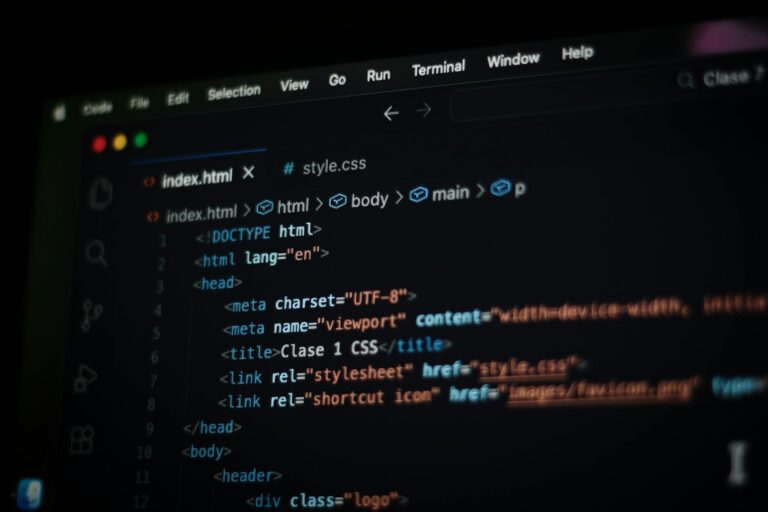
Learn how to use nano, the simple text editor of the Linux terminal, from its installation to the most useful commands and its customization.
Read More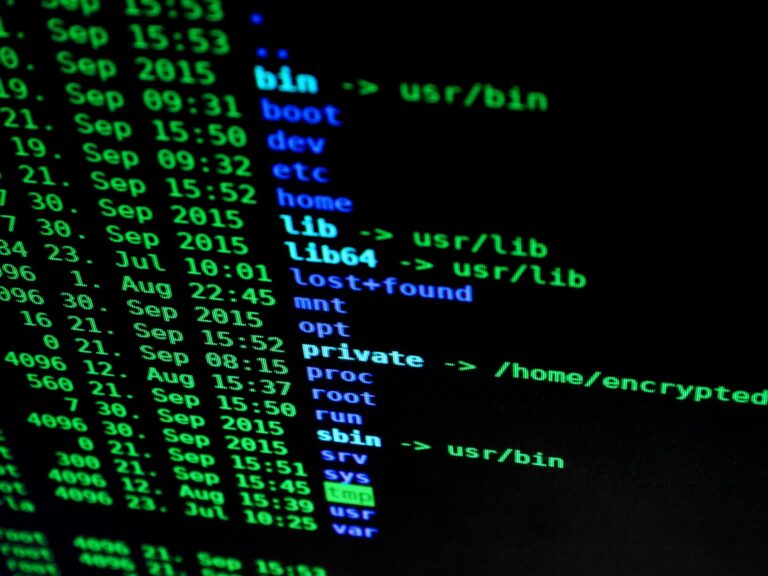
Learn how to use the Linux tail command to view the last lines of any file, with its most useful options and practical examples.
Read More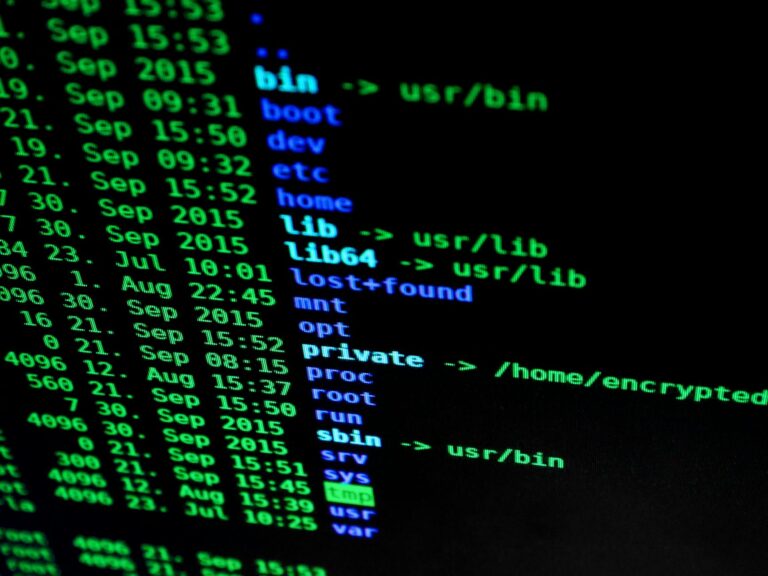
Learn how to use the Linux head command to quickly view the first lines of any file.
Read More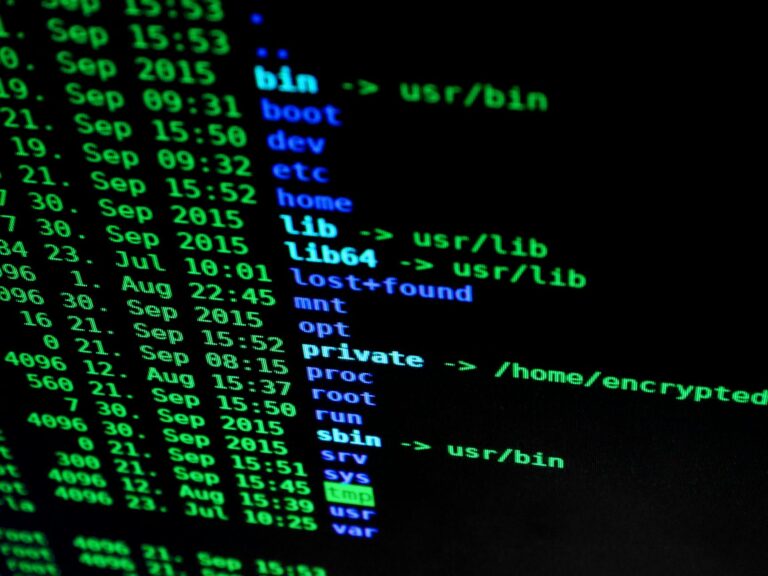
The more command allows paginating the output of files and commands in the terminal, displaying one screen at a time and making it easier to read lengthy texts.
Read More
Discover how to use the less command to navigate text files efficiently in Linux.
Read More
The cat command allows displaying and concatenating text files in Linux, being an essential tool for any terminal user.
Read More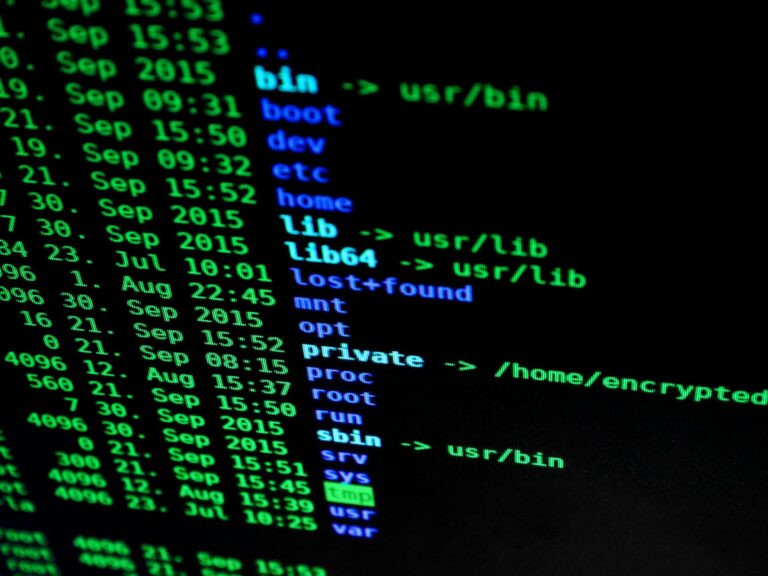
Learn how to use basename and dirname to extract file and directory names from full paths in Linux, with practical examples and tips for scripts.
Read More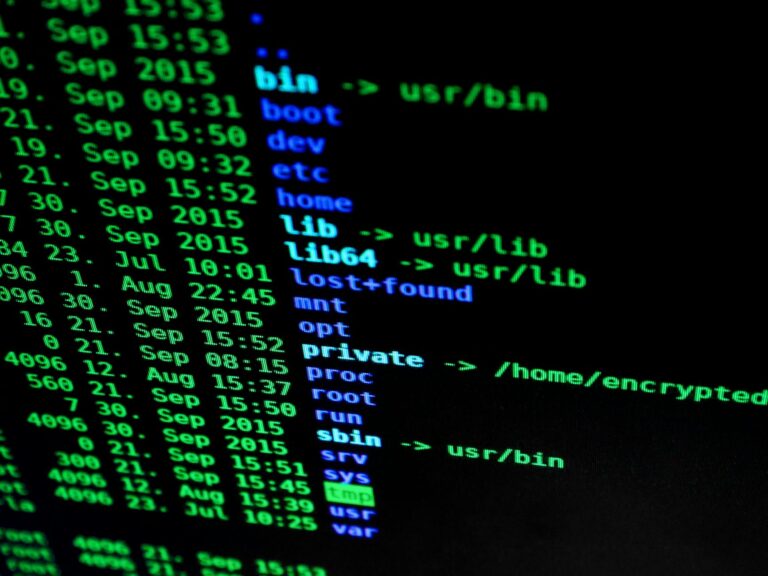
Learn how to use the Linux file command to determine the type of any file without needing to open it, and discover its most useful options.
Read More
Learn how to use the Linux stat command to obtain detailed file information, including permissions, timestamps, inode, and filesystem data.
Read More
Learn the difference between hard and symbolic links and how to use them with the ln command on Linux systems.
Read More
Learn how to use the df command to check usage and free space of filesystems in Linux, with practical examples and useful options.
Read More
Learn how to use the du command to find the size of files and directories on your Linux system, with practical examples and the most useful options.
Read More
Learn how to use the tree command to display the directory and file structure hierarchically in Linux systems.
Read More
Discover how the locate command speeds up file searches in Linux through an indexed database, its installation, basic usage, and limitations.
Read More
Learn to use the Linux find command to locate files and directories by criteria such as name, type, size, and more.
Read More
Learn how to use the mv command to move and rename files in Linux, with its most useful options and practical examples.
Read More
Learn how to use the Linux cp command to copy files and directories, with its most useful options and practical examples.
Read More
Learn to use the rm command safely and effectively to delete files and directories in Linux, avoiding accidental loss.
Read More
Learn how to use the rmdir command to delete empty directories on Linux systems, with practical examples and security recommendations.
Read More
Learn how to use the mkdir command in Linux to create directories, its most useful options, and practical examples to organize your system.
Read More
Learn how to use the pwd command in Linux to display the current working directory, with practical examples and useful tips.
Read More
Learn to use the cd command to navigate efficiently through the Linux filesystem, from absolute and relative paths to advanced tricks.
Read More
Learn how to use the ls command to list files and directories in Linux, with its most useful options and practical examples.
Read More
Learn to use the Linux find command to search for files by name, type, size, date, and more, combining criteria and executing actions on the results.
Read More
Learn to use grep to search for patterns in files and streams efficiently in Linux.
Read More
Learn what sudo is, how it works, and the best way to use it securely on Linux systems.
Read More
# Quick Guide to pacman: Arch Linux’s Package Manager `pacman` is the quintessential package manager of Arch Linux and its derivatives (like Manjaro or EndeavourOS). Its goal is to be simple, lightweight, and powerful. In this guide, we review the most essential commands to keep your system up to date. ## 1. Update the System […]
Read More
sudo pacman -S git base-devel go git clone https://aur.archlinux.org/yay.git cd yay makepkg -si
Read More
1. Create the 1GB swap file (takes a few seconds) sudo fallocate -l 1G /swapfile
Read MoreEsta obra está bajo una Licencia Creative Commons Atribución 4.0 Internacional para Francesc Roig francesc@vivaldi.net .