
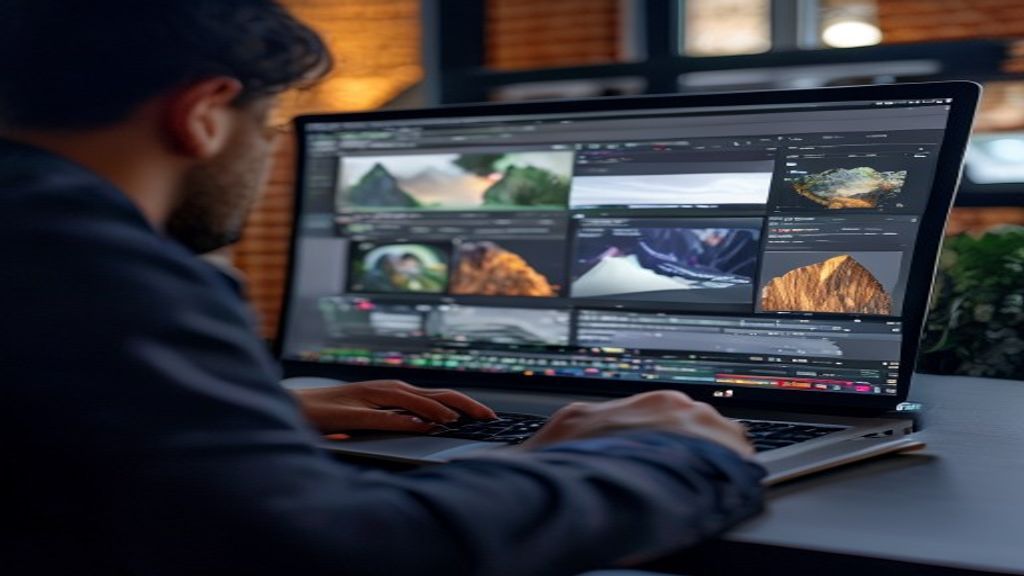
Introduction to Darktable
Darktable is an open-source application designed for photographers who need a complete workflow, from importing RAW images to final export. Unlike many proprietary editors, Darktable combines library management and RAW development functions in a single interface, allowing non-destructive work while keeping the original file intact.
History and philosophy of the project
Initiated in 2009 by a group of developers passionate about photography and free software, Darktable was born as a response to the lack of free alternatives capable of rivaling commercial programs. Its philosophy is based on code transparency, community collaboration, and continuous improvement driven by users. Each version incorporates new tools thanks to contributions from photographers, programmers, and designers worldwide.
Main features
- Non-destructive editing: all adjustments are saved as separate instructions, leaving the RAW file unchanged.
- Wide range of modules: from exposure, white balance, and curves to advanced tools such as haze removal, perspective correction, and noise reduction.
- Library management: tagging, ratings, smart collections, and metadata filters that facilitate searching thousands of photos.
- Tethered capture mode: allows shooting with the camera connected to the computer and viewing results in real time within Darktable.
- Flexible export: settings for format, size, color profile, and watermarks, with support for JPEG, PNG, TIFF, and others.
Typical workflow in Darktable
A photographer begins by importing photos from the memory card or directly from the camera. During import, they can apply presets, rename files, and organize images into collections. Then they move to the develop mode, where they select a basic module such as exposure to correct brightness, followed by white balance to achieve natural colors. Subsequently, they can add creative modules like vignette, split toning, or selective sharpening. Each change is visualized in the real-time preview, and the history allows stepping back or comparing versions. When satisfied, they export the photo choosing the destination, format, and desired quality, always keeping the original RAW file as the source.
Performance and system requirements
Darktable is designed to be efficient across a variety of hardware configurations. Although it can run on modest machines, it greatly benefits from a multi-core CPU and a GPU compatible with OpenCL to accelerate tasks such as noise reduction and application of complex filters. At least 8 GB of RAM is recommended, although 16 GB or more allow working with large libraries and performing simultaneous edits without slowdowns. The software is cross-platform: official versions are available for Windows, macOS, and various Linux distributions, ensuring that photographers in any environment can take advantage of its features without needing costly licenses.
Add-ons, presets, and the creative community
One of Darktable’s strengths is its ecosystem of presets and styles shared by the community. Users can download packages of pre-configured modules that simulate classic films, apply cinematic looks, or enhance portraits with a single click. Moreover, the XMP file format allows exchanging settings between different installations, facilitating collaboration in collective projects. Forums and repositories like GitHub host Lua scripts that extend functionality, from automating export tasks to integrating with cloud storage services. This extensibility turns Darktable not only into an editor but into a customizable platform according to each photographer’s style and workflow.
Conclusion
Darktable represents a solid and free option for anyone seeking a powerful RAW editor without sacrificing the freedom of open-source software. Its combination of library management, non-destructive editing, and continuous community improvement makes it an indispensable tool for both amateurs and professionals who wish to maintain total control over their creative process.
This post is also available in ESPAÑOL.