
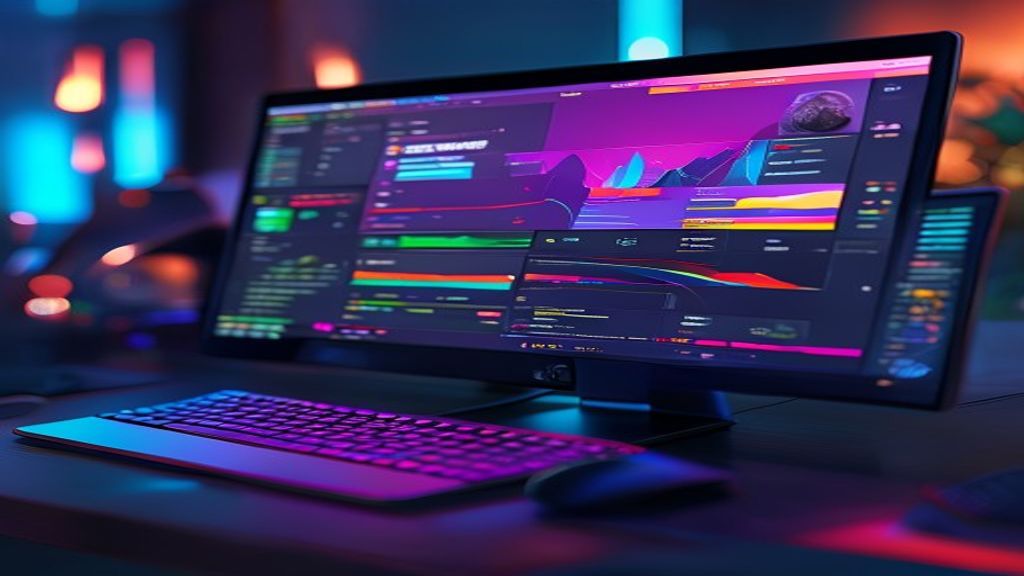
Introduction to Kdenlive
\n
Kdenlive is a non-linear video editor based on the MLT framework and designed for Linux systems, although it is also available on Windows and macOS. Its modular interface allows customizing work areas according to the flow of each project, from simple cuts to complex compositions with multiple tracks. Being free software under the GPL license, anyone can download, modify, and distribute it at no cost, which has fostered an active community of developers and users who contribute constant improvements.
\n
Installation and Requirements
\n
Installing Kdenlive is simple on most Linux distributions using the usual package managers: on Ubuntu or Debian just run sudo apt install kdenlive, while on Fedora use sudo dnf install kdenlive. For Windows and macOS users there are official packages downloadable from the project’s website, which include all necessary dependencies such as FFmpeg and MLT. After installation, the first launch shows a configuration wizard that helps select the default video profile and the location of temporary files.
\n
Customizable Interface
\n
Kdenlive’s interface is divided into several configurable panels: the clip monitor, the project monitor, the timeline, and the effects panel. Each area can be docked, floated, or hidden according to the editor’s preferences, allowing the workspace to be adapted to specific tasks such as color correction, audio mixing, or title creation. Additionally, the program supports light and dark themes, and keyboard shortcuts can be customized to speed up the workflow.
\n
Key Features
\n
Among Kdenlive’s most notable features are unlimited multi-track editing, compatibility with a wide range of codecs thanks to FFmpeg, and advanced tools such as keyframing, blur masks, and curve-based color correction. It also includes an integrated title generator, support for screen and webcam capture, and a collection of transitions and filters that can be applied via drag-and-drop. The proxy feature allows working with high-resolution material without sacrificing performance, creating lightweight versions for editing and replacing them with the original files in the final export.
\n
Working with Audio
\n
Audio handling in Kdenlive is robust: it features real-time level meters, a parametric equalizer, compressor, limiter, and noise reduction tools. Users can mix multiple audio tracks, apply effects in real time, and automate parameters via keyframe curves. Additionally, the program allows exporting separate mixes (stems) and supports professional audio formats such as WAV, AIFF, and FLAC, ensuring that sound quality remains intact from import to final delivery.
\n
Titles and Graphics
\n
To create attractive titles, Kdenlive offers an SVG-based title editor that allows designing text with outlines, shadows, gradients, and animations. It is also possible to import external image files and use the layer composition feature to overlay logos, lower thirds, or animated graphics. Titles can be saved as reusable templates, speeding up the production of series or vlogs where a consistent visual identity is required.
\n
Export and Rendering
\n
When the project is ready, Kdenlive offers multiple export options via predefined profiles for platforms such as YouTube, Vimeo, DVD, and mobile devices. Users can adjust the codec, resolution, bit rate, and frames per second, or create custom profiles according to their needs. The rendering engine utilizes multiple CPU cores and, if available, can leverage GPU acceleration via VA
This post is also available in ESPAÑOL.