
What is Ubuntu Studio?
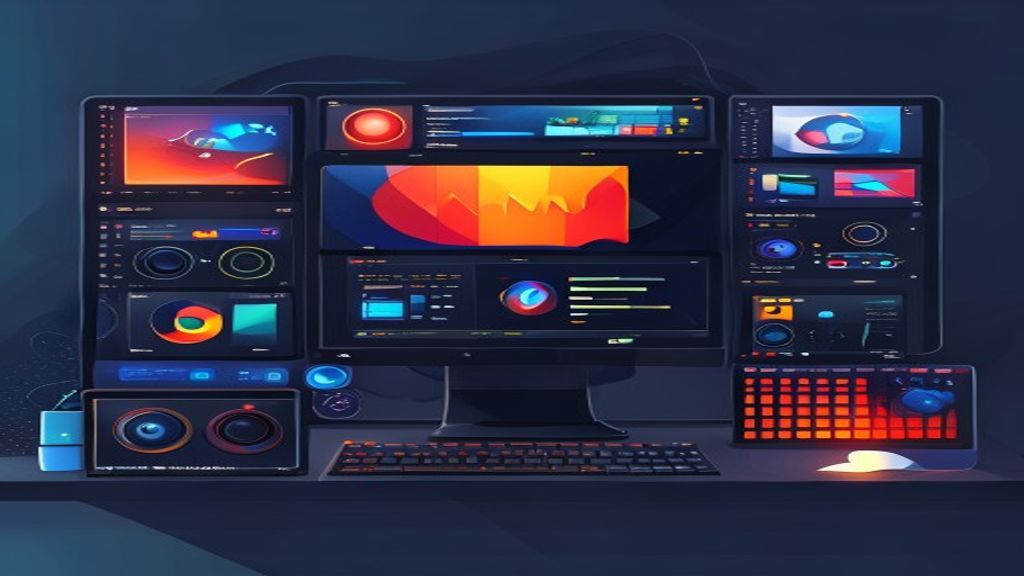
Ubuntu Studio is an official Ubuntu flavor designed specifically for multimedia content creation. It is based on Ubuntu’s LTS release and includes a low‑latency kernel that improves performance for real‑time audio and video tasks. Its default desktop environment is XFCE, chosen for its low resource usage and ability to run heavy applications without slowing the system. Since its launch, Ubuntu Studio has been adopted by musicians, filmmakers, photographers, and designers seeking a free, stable, and fully customizable platform.
Audio Tools
The main focus of Ubuntu Studio is professional audio production. Among the included applications are digital audio workstations (DAWs) such as Ardour, which allows recording, editing, and mixing unlimited tracks with VST and LV2 support. Also present is Qtractor, ideal for MIDI and audio sequencing, and Hydrogen, a pattern‑based drum machine. For mastering and signal processing, the package includes JACK as a low‑latency audio server, along with effects like Calf Studio Gear and the LV2 plugin suite. These tools enable musicians to create everything from home demos to professional studio productions without costly licenses.
- Ardour – Full‑featured DAW with non‑destructive editing and advanced automation.
- Qtractor – MIDI and audio sequencer with an intuitive interface.
- Hydrogen – Pattern‑based drum machine with customizable sound kits.
- JACK – Low‑latency audio server that interconnects applications in real time.
- Calf Studio Gear – Set of high‑quality equalizers, compressors, and reverbs.
Video and Graphics Tools
For video editing, Ubuntu Studio offers Kdenlive, a non‑linear multi‑track editor that supports a wide range of formats and effects via MLT. Also available is OpenShot, ideal for beginners seeking a simple yet powerful interface. In the realm of animation and motion graphics, Blender is included as a complete suite for 3D modeling, rendering, and compositing. For compositing and visual effects, Natron provides a node‑based environment compatible with OpenFX. These applications enable the creation of everything from short films and tutorials to complex visual effects for professional productions.
- Kdenlive – Multi‑track video editing with support for effects and transitions.
- OpenShot – Accessible video editor with drag‑and‑drop.
- Blender – 3D suite for modeling, animation, rendering, and post‑production.
- Natron – Node‑based compositor for visual effects and color correction.
Photography and Graphic Design
Photographers and designers find powerful alternatives to proprietary software in Ubuntu Studio. GIMP serves as a raster image editor with layers, masks, and a wide variety of plugins. For vector work, Inkscape allows creation of illustrations, logos, and scalable typography without loss of quality. Darktable acts as a RAW development station, offering a non‑destructive workflow and advanced color management. Finally, Scribus provides layout tools for brochures, magazines, and books, completing the graphic design ecosystem.
- GIMP – Raster image editor with support for layers and plugins.
- Inkscape – Vector editor for illustrations and logos.
- Darktable – RAW photo development and management with a non‑destructive workflow.
- Scribus – Desktop publishing and layout program.
Installation and Requirements
Installing Ubuntu Studio is straightforward: download the ISO image from the official site and create a bootable USB medium using tools like Rufus or Etcher. The installation process follows the same wizard as standard Ubuntu, with options to partition the disk, choose the language, and set the username. A minimum of 4 GB of RAM is recommended, though for intensive audio and video projects 8 GB or more are ideal. Additionally, it benefits from a multi‑core processor and a sound card compatible with JACK for optimal real‑time performance.
Community and Support
As an official Ubuntu derivative, Ubuntu Studio benefits from Ubuntu’s vast community, including forums, wikis, and IRC channels. Moreover, a dedicated team maintains the multimedia‑specific packages and publishes regular updates aligned with Ubuntu’s LTS cycles. Users can find video tutorials, step‑by‑step guides, and answers to technical questions on the Ubuntu Studio website and platforms such as Ask Ubuntu and Reddit. This support network ensures that both beginners and professionals can resolve issues and get the most out of the distribution.
Conclusion
Ubuntu Studio positions itself as a complete, free solution for anyone needing professional‑level multimedia production tools. Its combination of a low‑latency kernel, a lightweight desktop environment, and a carefully selected set of audio, video, photography, and design applications makes it an attractive alternative to costly, proprietary options. If you seek a stable, customizable, creativity‑oriented system, Ubuntu Studio deserves consideration as your next work platform.
This post is also available in ESPAÑOL.